Understanding TradingView: A Comprehensive Overview
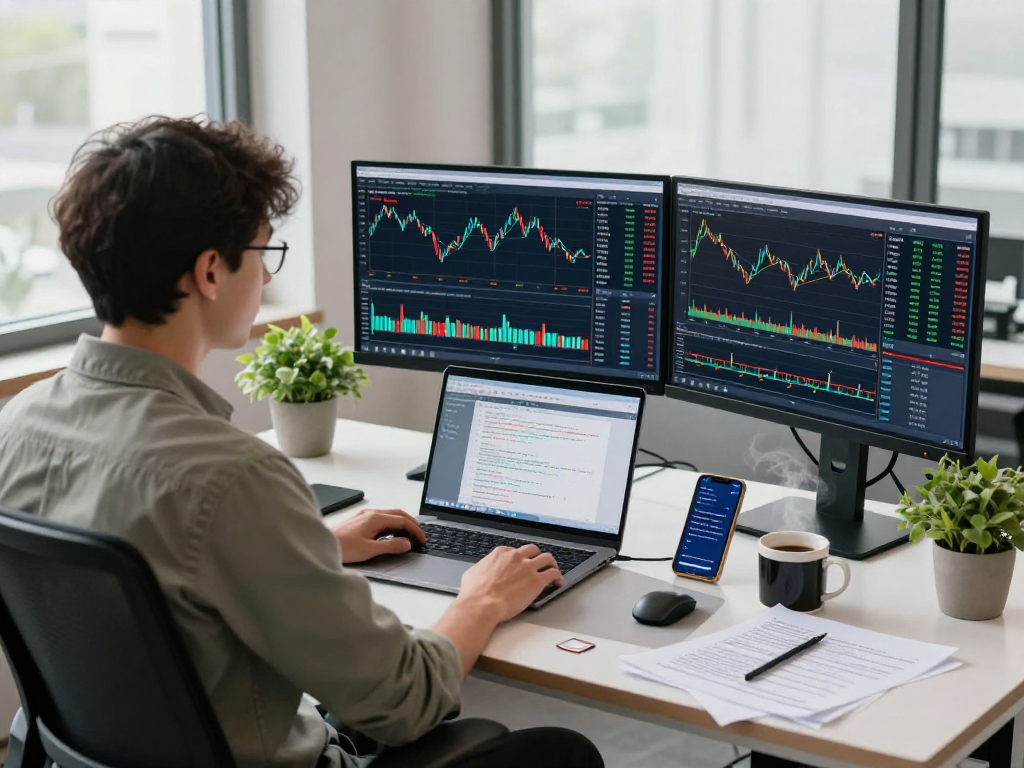
In the rapidly evolving financial landscape, accessible and versatile trading tools are essential for both novice and experienced traders. TradingView stands as a market leader, providing an all-in-one platform that seamlessly integrates charting tools, market analysis, and community insights. This enables users to navigate the complexities of various asset classes, including stocks, forex, cryptocurrencies, and derivatives. TradingView not only equips traders with the tools they need but also fosters a collaborative environment where ideas and strategies can be shared and improved upon.
What is TradingView and Its Core Features?
TradingView is a powerful web-based platform designed for traders and investors who seek to visualize financial data and analyze market trends effectively. It encompasses a plethora of features tailored to enhance trading decisions:
- Interactive Charts: Traders can customize charts with an extensive range of indicators, timeframes, and data overlays to analyze price movements and identify trends.
- Social Networking: A vibrant community of traders allows users to share ideas, publish their analyses, and receive feedback, creating a collaborative trading environment.
- Alerts and Notifications: Users can set price alerts, technical indicator alerts, and social alerts to stay abreast of essential market movements without the need to constantly monitor their screens.
- Pine Script: The built-in scripting language empowers users to create custom indicators and automated strategies tailored specifically to their trading needs.
- Backtesting Capabilities: The Strategy Tester tool allows traders to backtest their strategies against historical data, providing insights into potential performance before risking real capital.
How Does TradingView Enhance Market Analysis?
Effective market analysis is fundamental to successful trading. TradingView enhances this process by consolidating various analytical tools into a single platform. Here’s how:
- Multi-Chart Layouts: Traders can monitor multiple markets simultaneously through customizable layouts, enabling them to identify correlations and potential opportunities quickly.
- Built-In Economic Calendar: Users have access to real-time economic data releases and their potential impact on market conditions, making it easier to anticipate and react to market volatility.
- Technical Indicators and Drawing Tools: With a wide array of technical indicators such as moving averages, RSI, MACD, and drawing tools for trend lines and Fibonacci levels, traders can perform a detailed technical analysis.
Key Differences Between TradingView and Other Platforms
The trading platform market is crowded, yet TradingView distinguishes itself through its unique features and user-centric approach:
- Community-Focused: Unlike many traditional platforms, TradingView thrives on community engagement, allowing traders to share insights and analyses openly.
- Cross-Platform Compatibility: Accessible from any device with an internet connection, TradingView ensures that users can track their investments anywhere, whether on mobile or desktop.
- No Software Installation Required: As a web-based platform, users can start trading without cumbersome installations, making it incredibly user-friendly.
Getting Started with TradingView: Registration and Setup
Step-by-Step Guide to Creating Your TradingView Account
Getting started with TradingView is a breeze. Here’s a simple step-by-step guide:
- Visit the TradingView website.
- Click on the "Join for Free" button located at the top right corner.
- Fill in your email address, create a password, and complete any other required fields.
- Verify your email by clicking the link sent to your inbox.
- Log in to your account and start exploring the platform!
Customizing Your Workspace: Essential Settings
Once you have your account set up, customizing your workspace is crucial for optimizing your trading experience. Here are key settings to consider:
- Choose Your Layout: Select your preferred chart layout (single, double, or multi-chart) according to your trading style.
- Set Up Alerts: Configure alerts for specific price levels or indicator signals to stay informed without constant monitoring.
- Customize Indicators: Add and tweak indicators that suit your trading strategy, ensuring they are easily accessible in your workflow.
Integrating TradingView with Broker Accounts
TradingView allows users to connect their broker accounts, enabling seamless trading directly through the platform. Here’s how you can integrate your brokerage:
- Navigate to the "Broker" section on TradingView.
- Choose your broker from the list of supported firms.
- Follow the prompts to securely connect your account.
- Once connected, you can execute trades directly from your TradingView charts.
Trading Strategies Using TradingView Tools
Leveraging Indicators and Alerts Effectively
To maximize your trading potential, understanding how to utilize TradingView’s vast array of indicators and alerts is key:
- Use Trend Indicators: Incorporate tools like moving averages to identify market trends and potential entry/exit points.
- Set Conditional Alerts: Create alerts that trigger based on multiple conditions, allowing for more informed decision-making.
Building Custom Scripts with Pine Script
Pine Script is the proprietary language used within TradingView for creating custom indicators and strategies. Here are tips for getting started:
- Start Simple: Begin with basic scripts to familiarize yourself with the syntax and functions.
- Use the Strategy Tester: Implement scripts in the Strategy Tester to evaluate their effectiveness before using them for live trading.
Backtesting Strategies Using TradingView's Strategy Tester
Backtesting is crucial for validating strategies before applying them in real markets. Here's how to efficiently use TradingView’s Strategy Tester:
- Input Your Strategy: Enter the specific parameters of your trading strategy into the Strategy Tester.
- Analyze Results: Review performance metrics, including win rate, drawdown, and profit factor to gauge effectiveness.
Common Misconceptions About TradingView
Is TradingView Only for Advanced Traders?
Many beginners shy away from TradingView, believing it is solely for advanced traders. However, its intuitive design and extensive educational resources make it ideal for users at all levels.
Can You Trade Directly Through TradingView?
Yes, TradingView allows users to initiate trades through connected brokers directly from the platform, streamlining the trading process.
Understanding the Limitations of TradingView
While TradingView offers extensive features, it’s essential to acknowledge some limitations, such as reliance on internet connectivity and potential costs associated with premium features.
The Future of TradingView: Innovations and Trends for 2026
Emerging Features and Updates to Expect
As the trading field evolves, TradingView is continually updating to meet the demands of modern traders. Expect further enhancements in data analytics, user interface improvements, and integration of artificial intelligence tools for predictive analytics.
How TradingView is Adapting to Market Changes
TradingView actively monitors market trends and user feedback to adapt its services, ensuring traders remain at the forefront of trading innovation.
Predictions for the Role of TradingView in Future Trading
As reliance on technology and data-driven trading intensifies, TradingView is poised to remain an indispensable resource for traders seeking comprehensive analysis and community support.
What Makes TradingView Unique Among Trading Platforms?
TradingView stands out for its blend of technical analysis, social networking, and user-friendly interfaces, enriching the trading experience beyond mere transactional capabilities.
How Can Beginners Benefit from TradingView?
Beginners can utilize TradingView's educational features and community resources to enhance their learning curve, gaining insights that can significantly improve their trading strategies.
What Should Traders Know About Pine Script?
Understanding Pine Script is crucial for traders who wish to develop custom indicators and automate their trading strategies, providing a significant advantage in a competitive market.
How to Use TradingView for Cryptocurrency Trading?
TradingView is particularly beneficial for cryptocurrency traders, offering real-time data, customizable alerts, and an extensive range of technical indicators tailored for volatile markets.
Can TradingView Help in Risk Management?
By enabling customizable alerts and providing comprehensive data analysis tools, TradingView plays a pivotal role in enhancing traders’ risk management strategies and decision-making processes.